
Every company says Slack is "where work happens." Usually work happens around Slack: a dozen browser tabs, PagerDuty on your phone at 2 a.m., and a Jira ticket filed at 3:15 because nobody created one during the incident.
We stopped using Slack as a notification inbox and started using it as the place where incident response actually runs. Engineers already live there. Duolingo wired an AI agent to 200+ internal tools and dropped it in Slack; roughly 30% of the company now triages incidents and files tickets without opening separate dashboards. The useful version of this is simple: if you can't act on the work inside the thread, you built a pager, not a workflow.
The 2 a.m. test
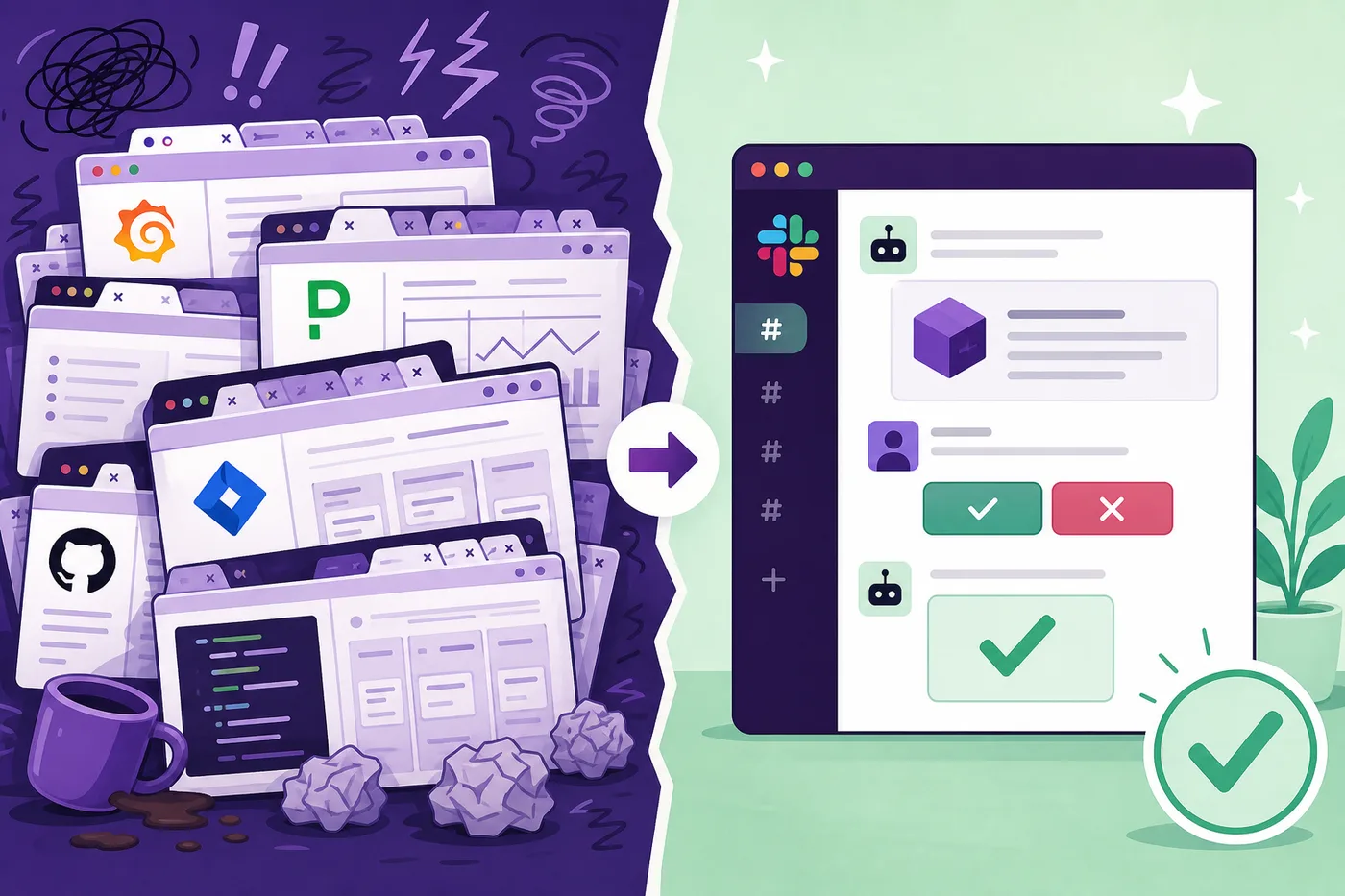
PagerDuty pages on-call. Someone manually creates #inc-2026-06-09-api-latency, pastes the alert, @mentions three people. Grafana in one tab, Sentry in another, deploy log in a third. Someone asks "did we ship anything?" and gets an answer eleven minutes later from someone in a different timezone who is asleep.
Mean time to organize was longer than mean time to fix. We got good at scrambling and slow at resolving.
Context cards, not alert spam
The common mistake is forwarding email alerts into #alerts and calling it automation. That channel gets muted in a week.
What works better: Block Kit cards that show up with the alert and let you do something immediately. Last three deploys, error rate, who's on call, and buttons for Acknowledge, Escalate, or Create Zoom. Not a link to Grafana. Not "click here for details."
Duolingo's @DuolingoAI goes further. When PagerDuty fires, the bot checks Sentry and Honeycomb, finds the slow endpoint, suggests mitigations, and names people who know that service. The on-call engineer reviews a draft instead of playing detective.
The /incident command
We copied a pattern that's common in SRE circles: one slash command that sets up the whole response. Run /incident api-latency and the bot creates the channel, invites on-call, links recent deploys, and opens a scratchpad. The parts humans forget at 2 a.m.
app.command('/incident', async ({ command, ack, client }) => {
  await ack(); // Slack gives you 3 seconds

  const channel = await client.conversations.create({
    name: `inc-${slugify(command.text)}`,
    is_private: false,
  });

  await Promise.all([
  client.chat.postMessage({
    channel: channel.id!,
    text: `Incident: ${command.text}`,
    blocks: incidentContextCard(command.text),
  }),
  inviteOnCall(channel.id!, 'api-platform'),
  createScratchpad(command.text),
  linkRecentDeploys(channel.id!, 3),
  ]);
});
Acknowledge in under three seconds, do the rest async. Slack times out slow handlers. Users are less forgiving.
Approve before the bot acts
Write operations (PRs, tickets, rollbacks) need a human click. Block Kit Approve/Cancel buttons work well: the bot gathers context and proposes an action, you decide whether to run it.
Duolingo gates every write behind approval, then spins up a sandboxed agent only after someone clicks Approve. Threads stay open for follow-ups. You can have one thread fixing CI and another researching a service at the same time, including from a phone.
What we got wrong
We built a home tab with seventeen buttons. Three of them got 90% of clicks. We deleted the rest. Nobody noticed.
We used the same bot in every channel. That was a mistake. A help-desk bot answering Cursor login questions should not share prompts or tool access with an incident bot posting error rates.
We shipped on demo quality and skipped evals. One good demo is easy. Thousands of queries a week is not. Duolingo runs a benchmark suite on every change. We started doing the same: no eval pass, no ship.
Start small
You don't need 200 MCP servers on day one. Pick #incidents or #alerts. Build one context card with the last deploy, an error link, and an on-call mention. Add one slash command. Measure time-to-organize, not message volume.
Slack won't replace Grafana or Sentry. It can replace the manual glue between those tools and the person who got paged. Channels as processes, threads as sessions, bots as background jobs. The chat app sticks around because nobody uninstalls it.